
Ideate. Render. Interact. with 3DBAE Canvas
A little imagination. A whole world of possibilities.
Your creative toolkit
From the first reference to the next great direction. Connect images, prompts and AI tools in a workspace that moves with your imagination.
One idea.
Endless what-ifs.
A different finish. A new form. An unexpected favorite.
Make room to explore before you decide.
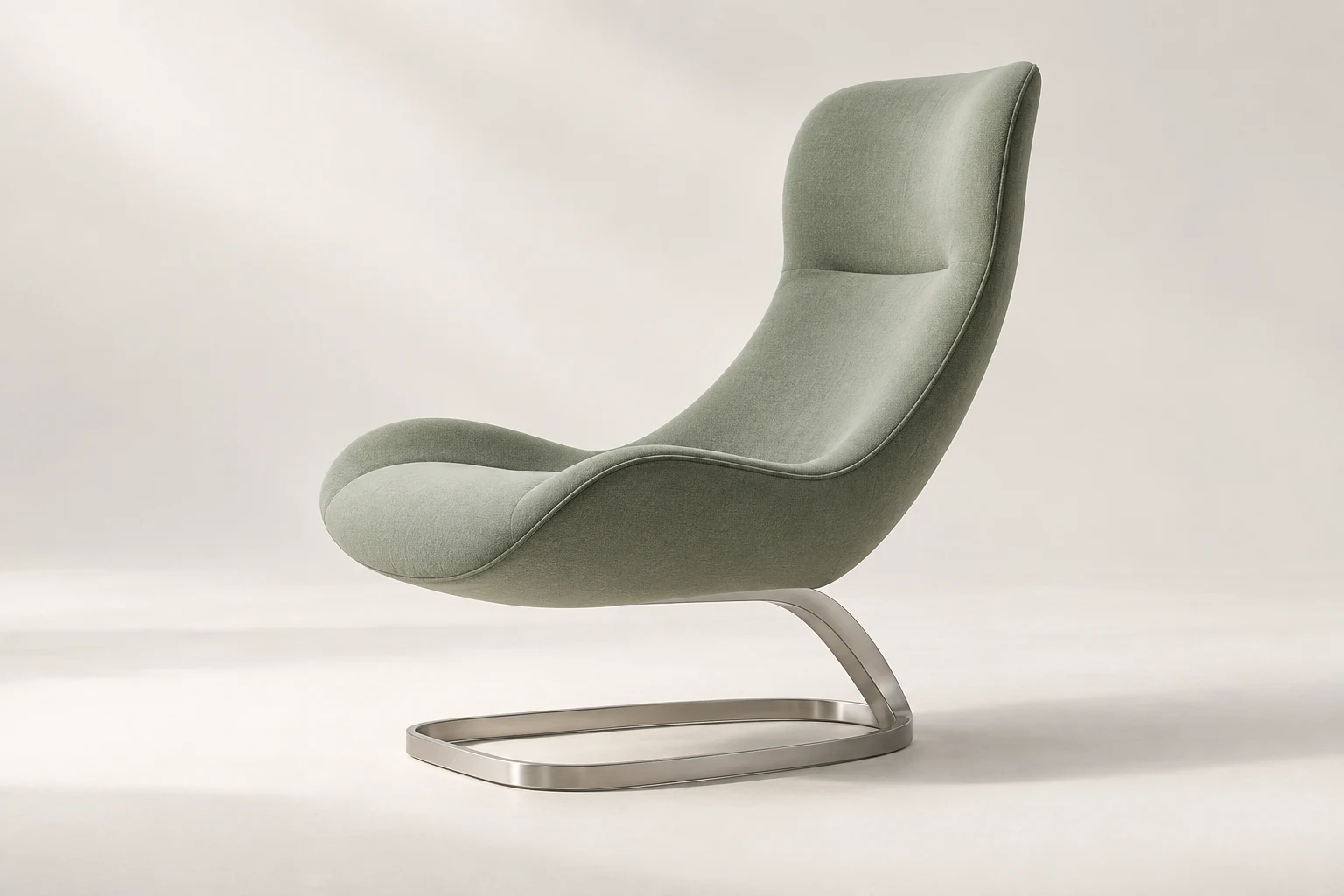
4 Design variations
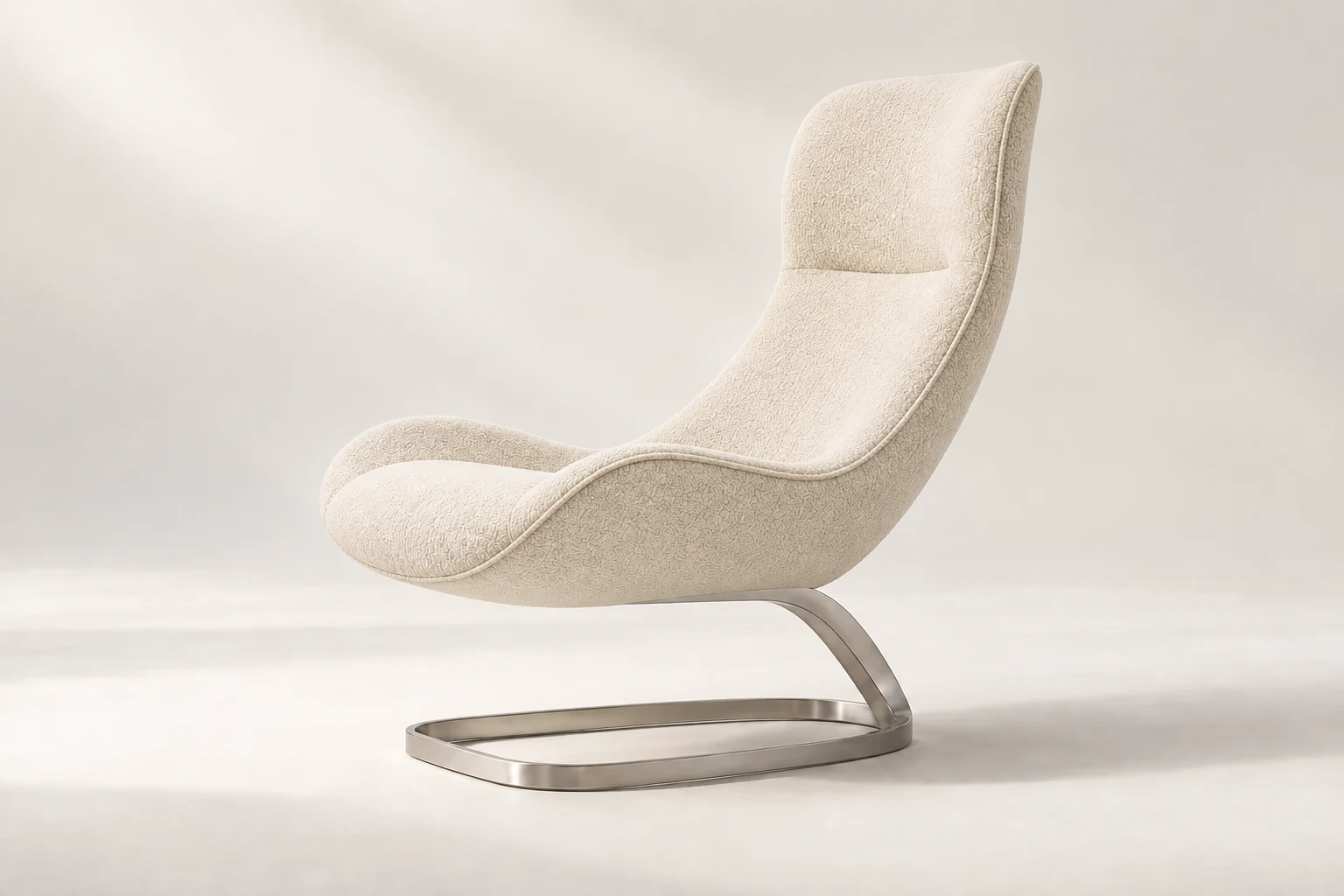
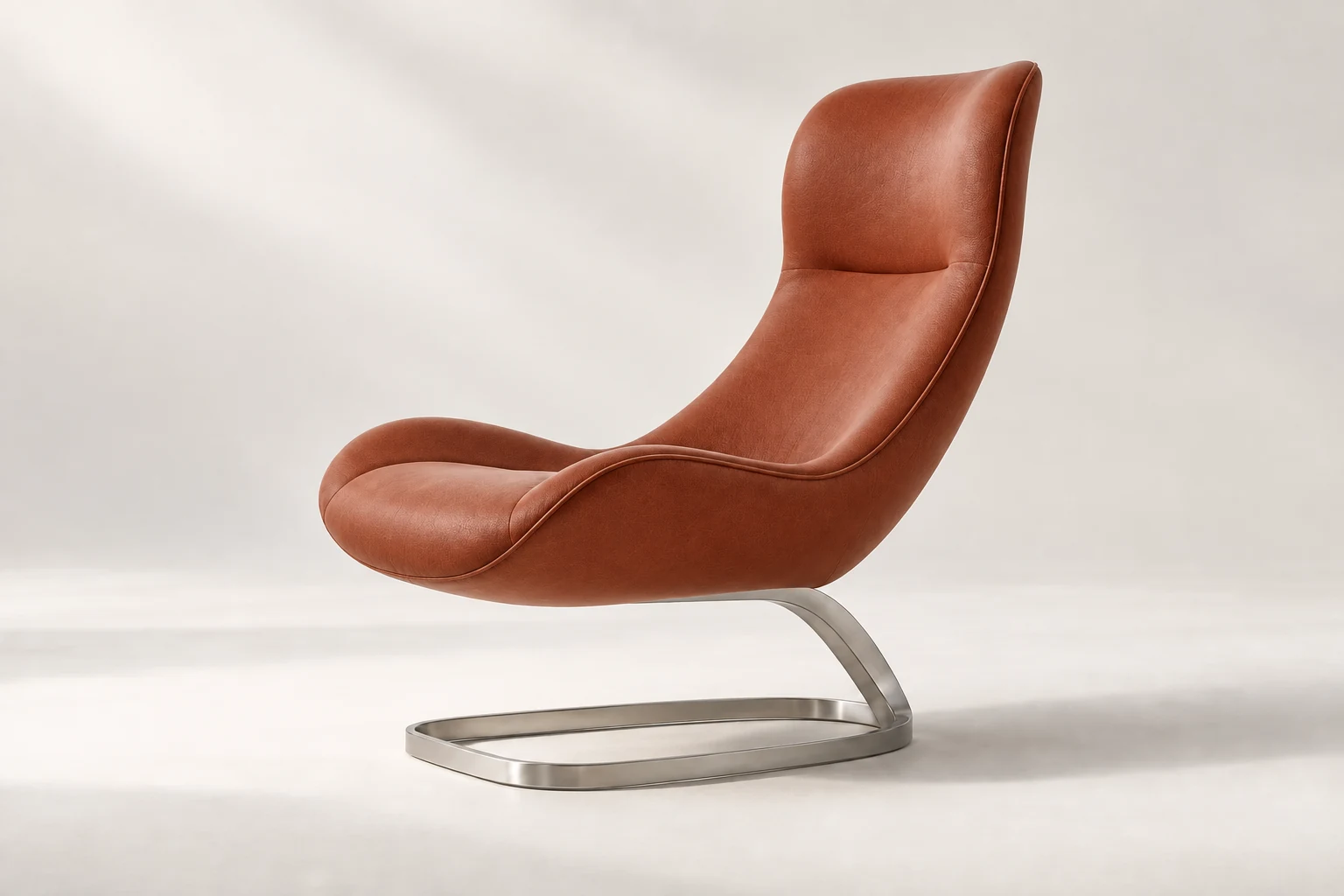
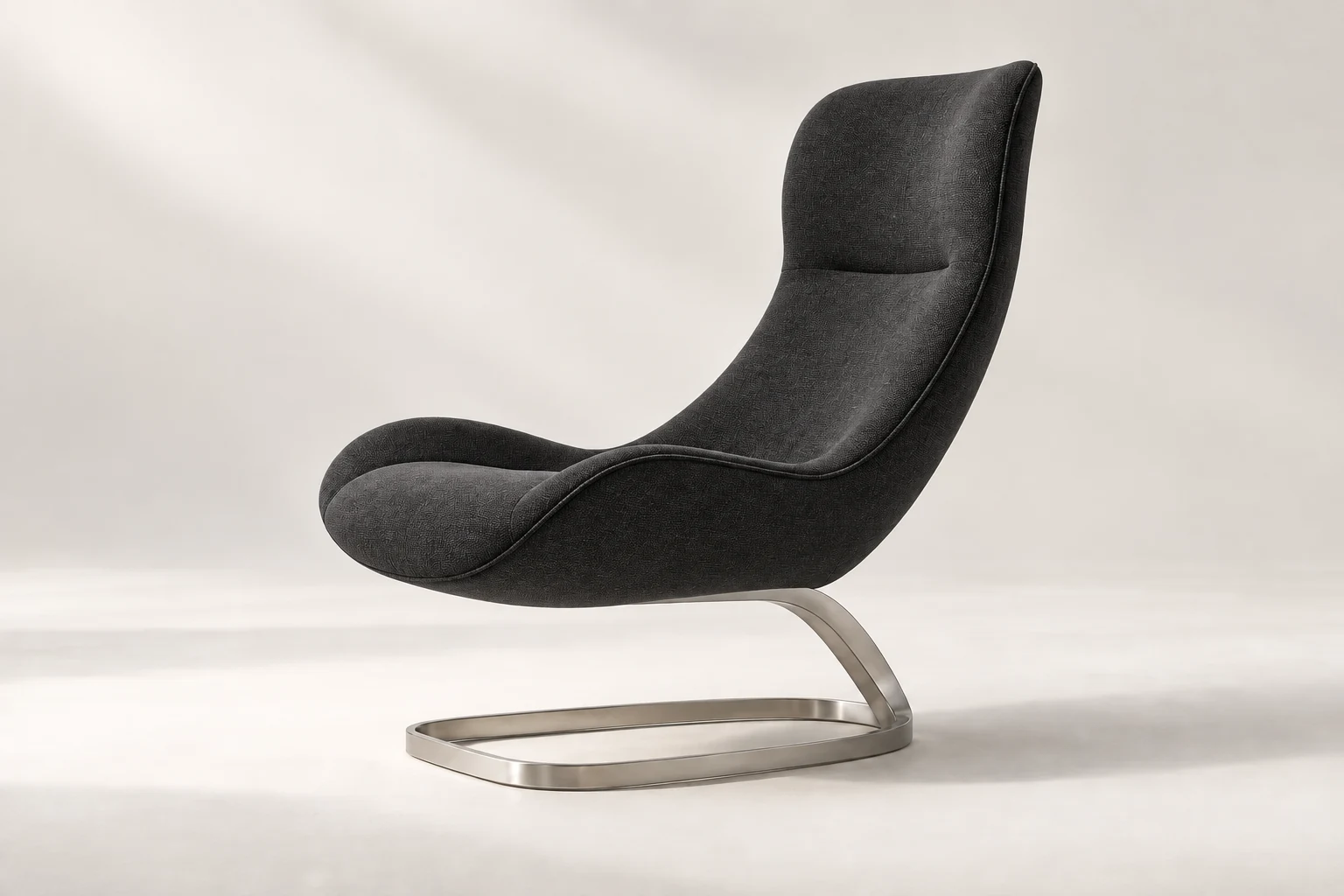
One chair. Four material directions. Press Run to preview the next finish.
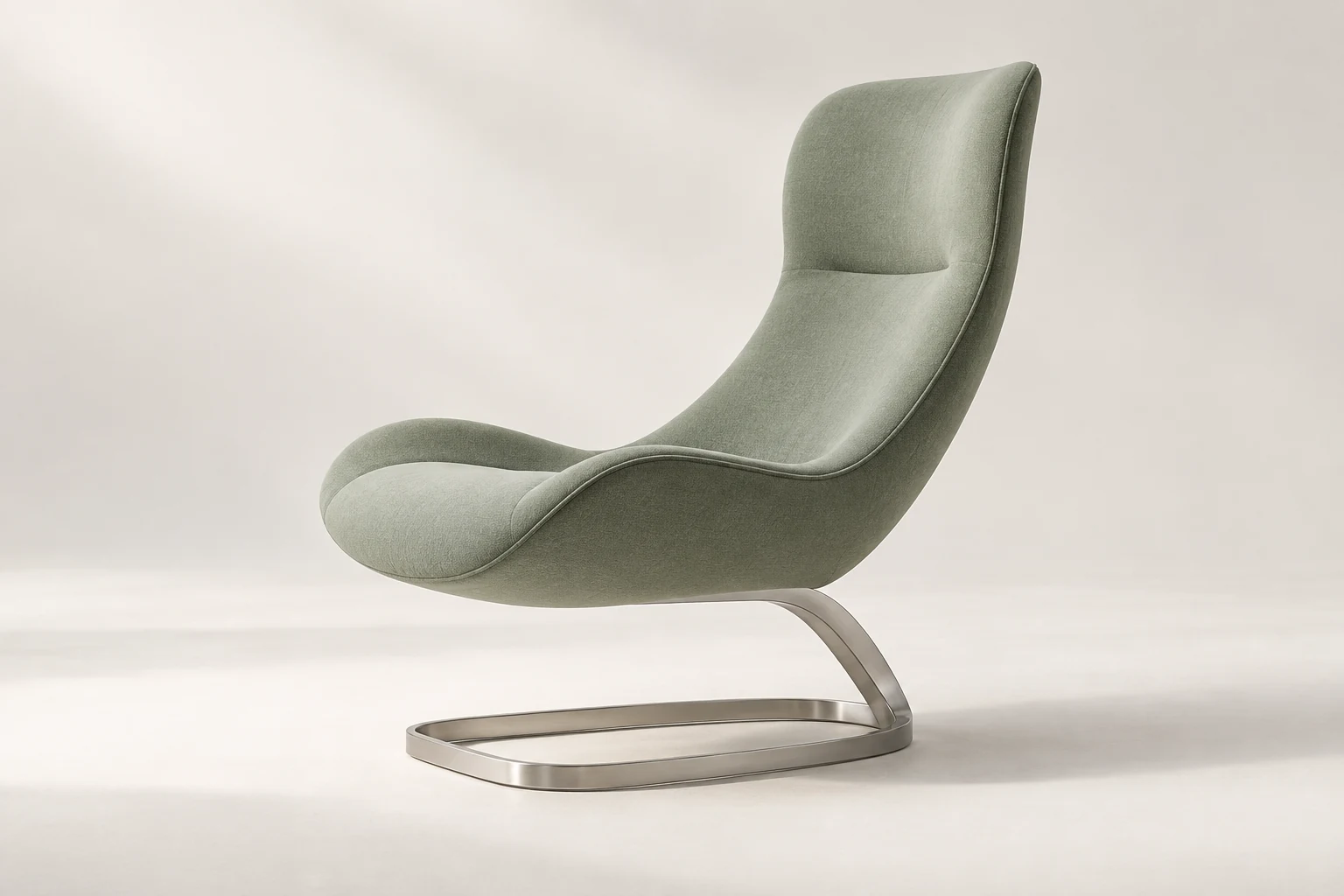
Try the controls. These prepared examples preview four finishes of the same design.
From the first spark
to a clear direction.
Keep the whole process together. Every reference, every experiment, every next step.
Find your workflow
Drive an idea forward.
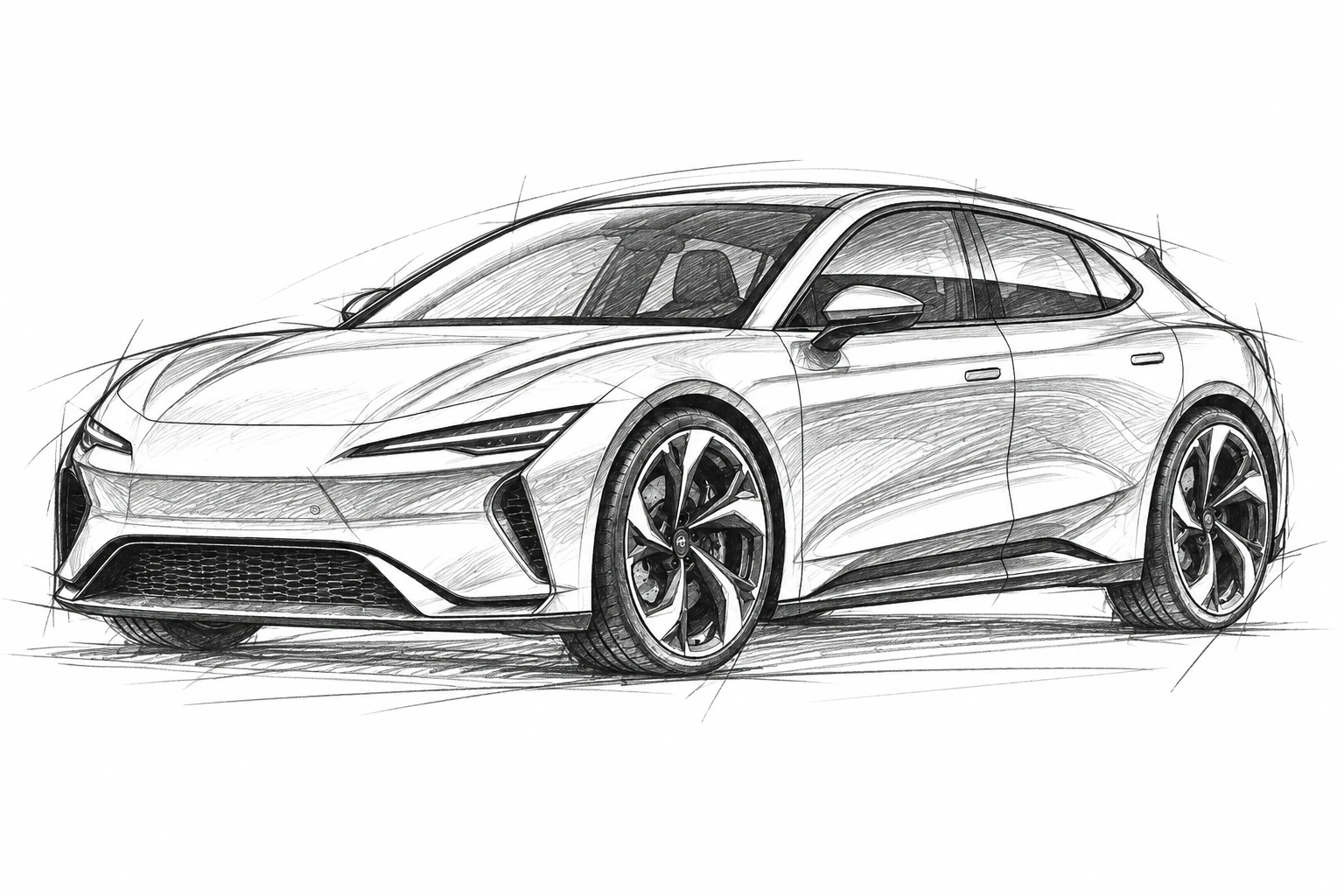
Take an automotive sketch from its first lines to a considered product image.
One chair. Four directions.
Explore new colors and finishes from one furniture reference, together on your Canvas.
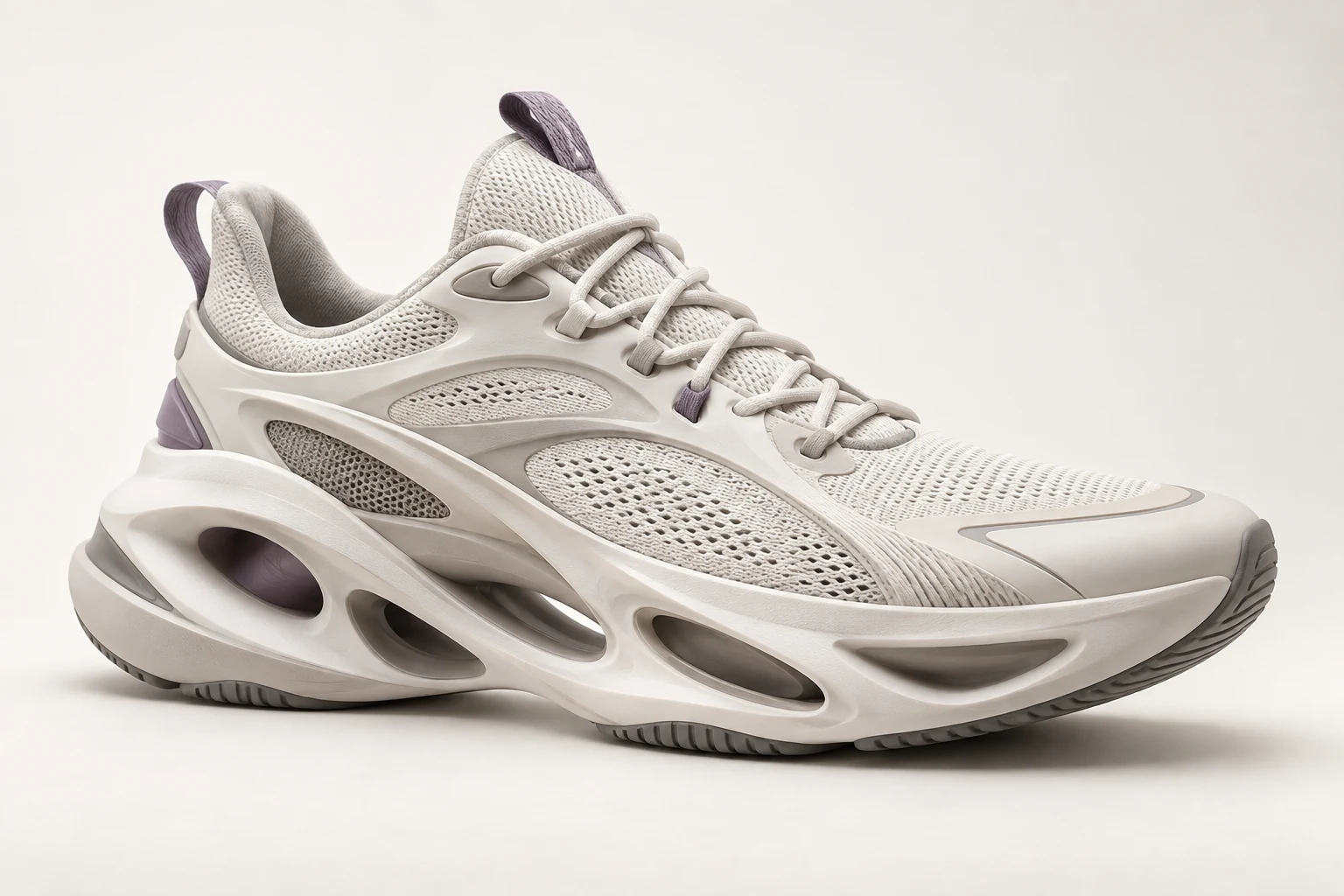
Find your next step.
Bring a footwear sketch onto Canvas and explore the shape, detail and finish.
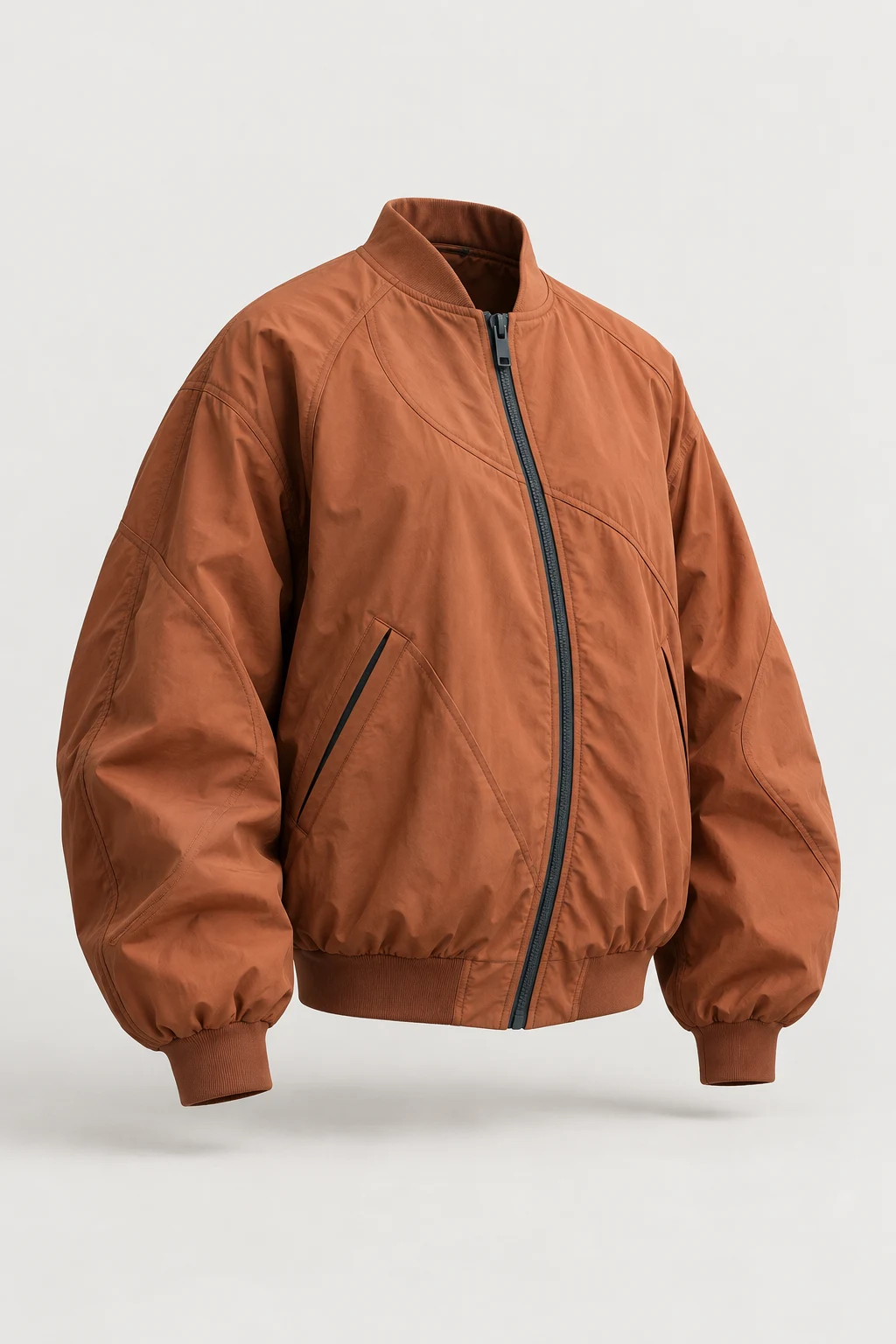
Give a line some life.
Follow an apparel concept from a loose drawing to fabric, seams and silhouette.
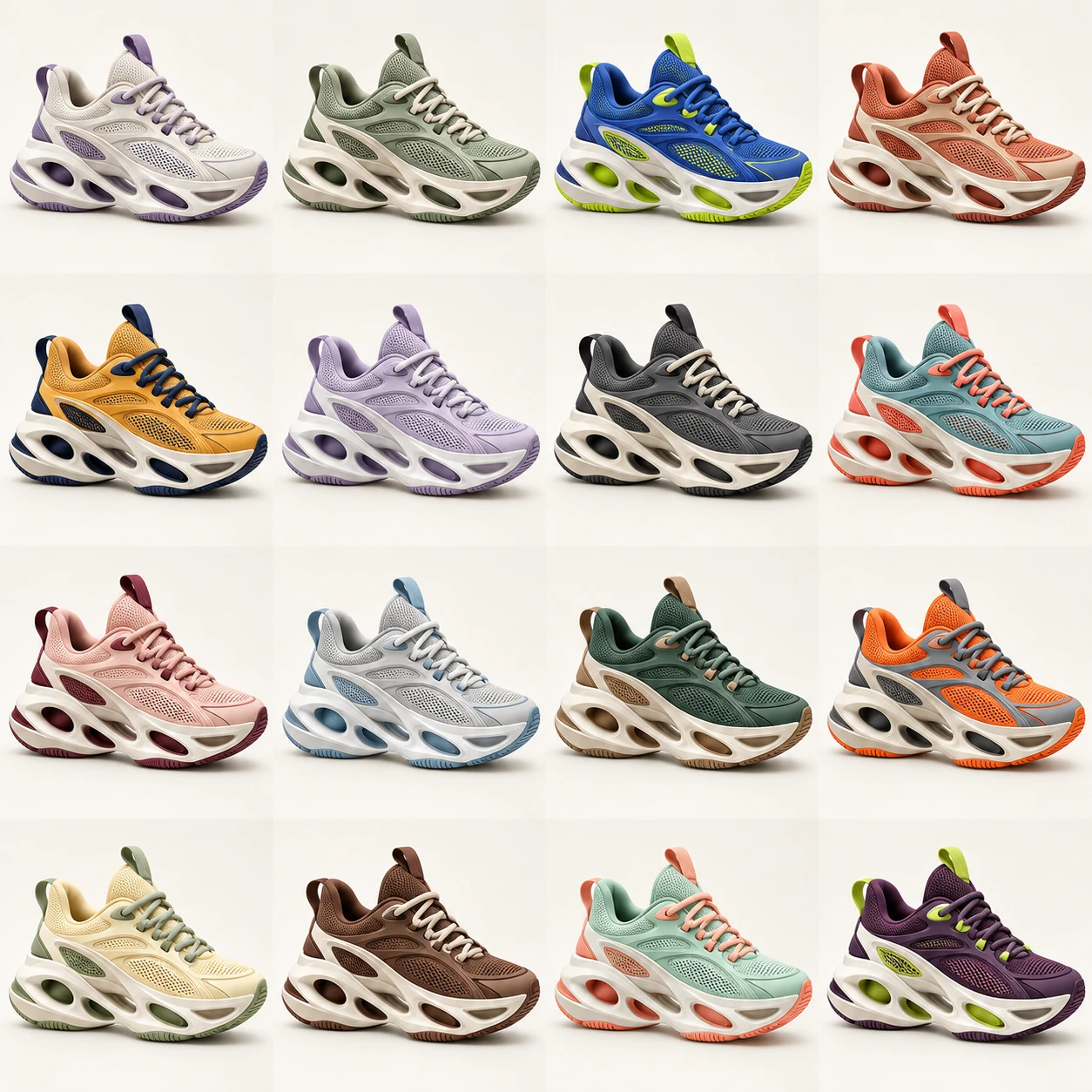
Follow the unexpected.
Branch into sixteen footwear directions and bring your favorite into focus.
A tool for every
what if.
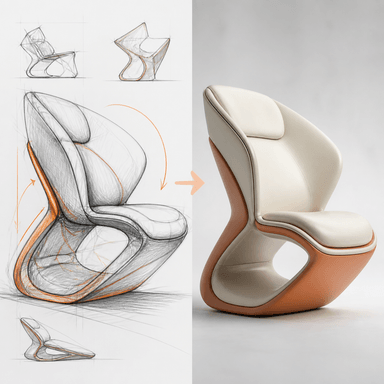
Sketch to photo
Transform a sketch into a polished rendered visual based on a reference image.
Let a sketch go further.
Connect an automotive sketch to a rendering preset. Keep the first idea and its next direction together.
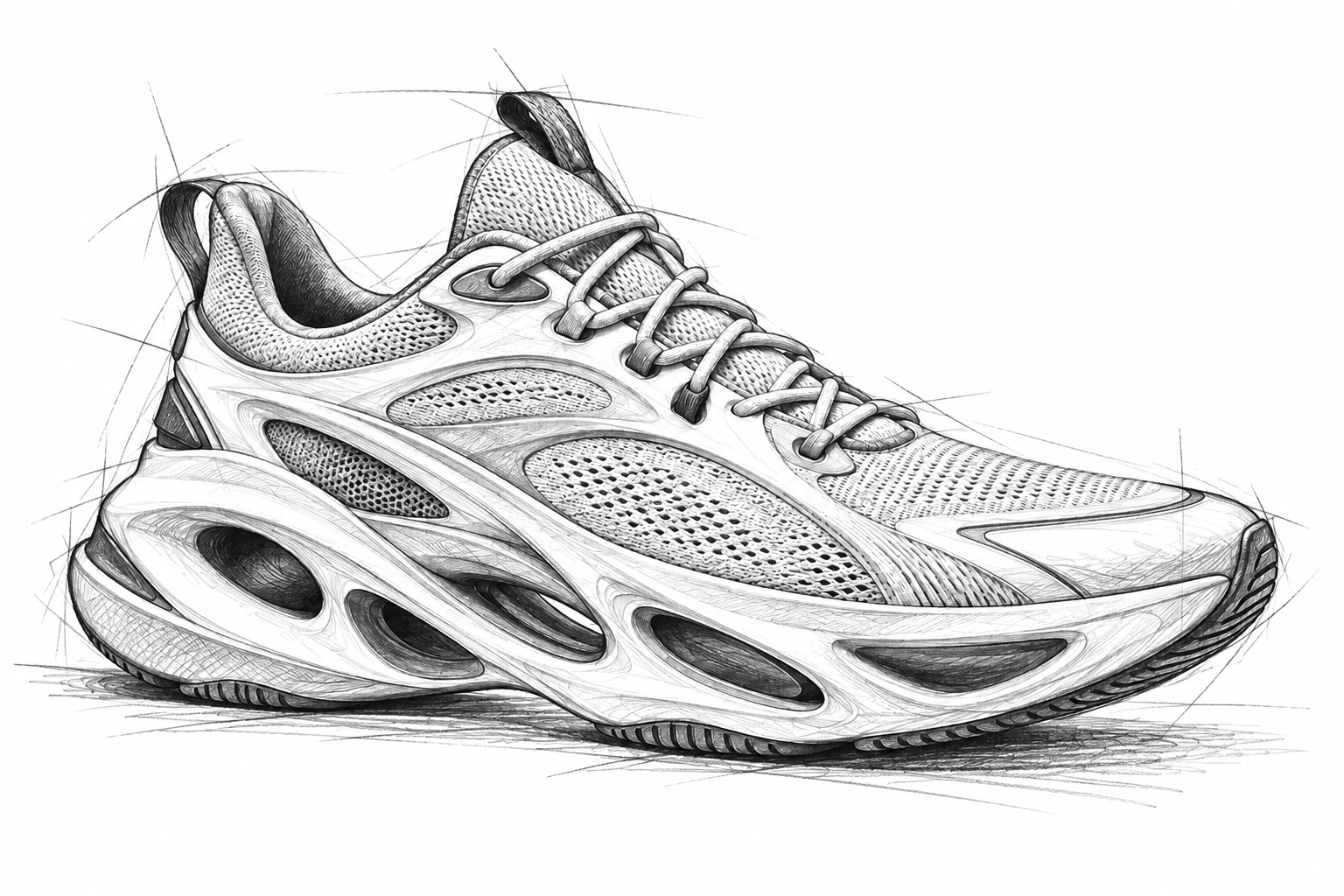
Sketch to photo
Transform a sketch into a polished rendered visual based on a reference image.
Find your next step.
Explore the lines, proportions and finish of a footwear concept in one connected workflow.
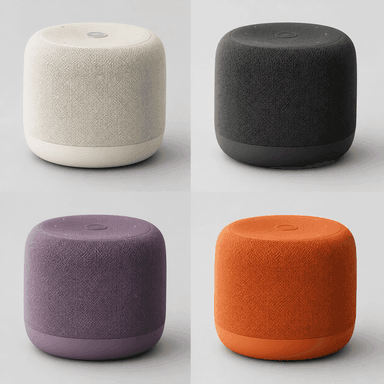
4 Design variations
Four unique design variations for the main or marked object while keeping the surrounding environment and camera angle identical.
One chair. Four directions.
Compare four finishes from a furniture reference without losing your starting point.
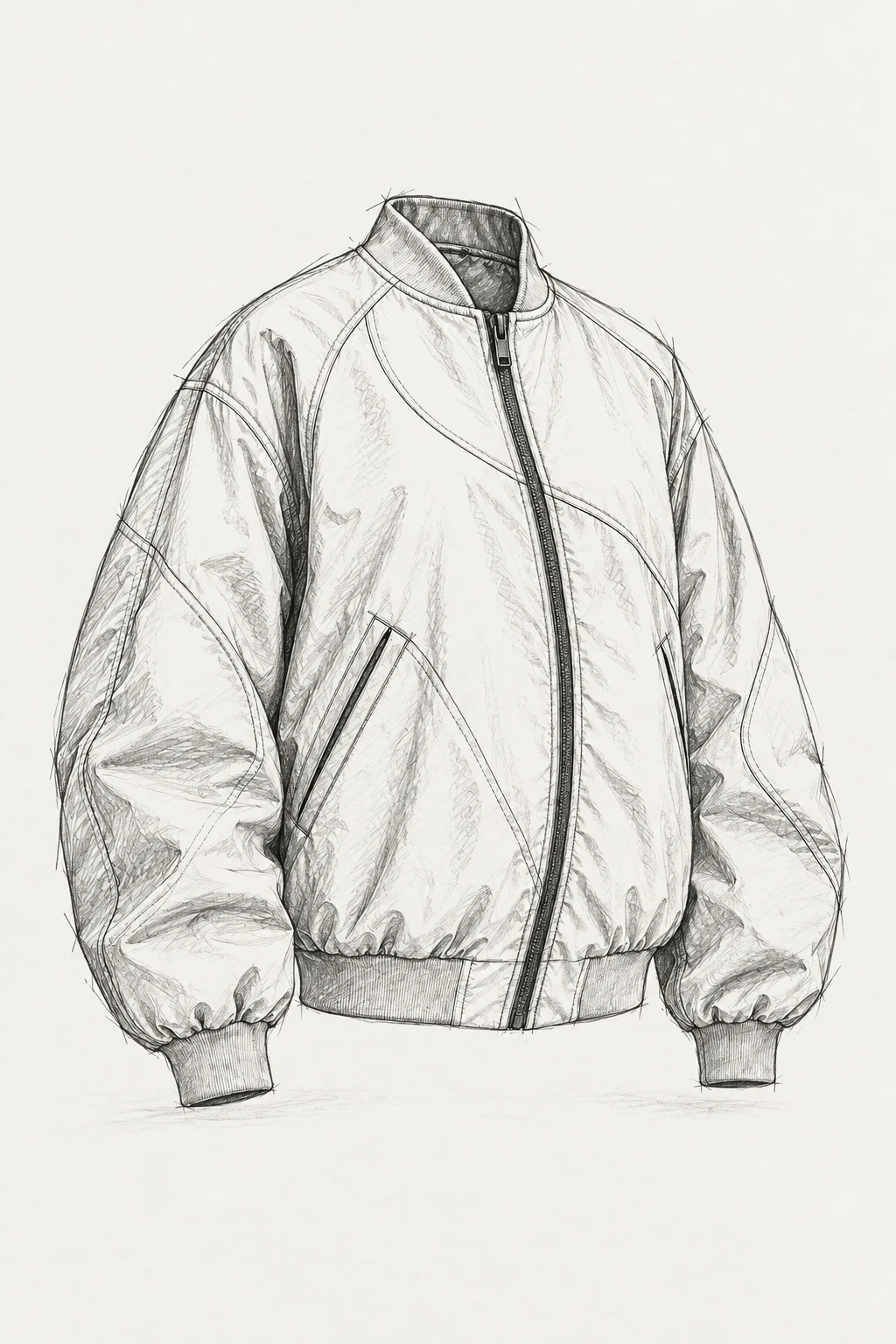
Sketch to photo
Transform a sketch into a polished rendered visual based on a reference image.
Give your concept some life.
Turn an apparel sketch into a study of fabric, seams and silhouette.
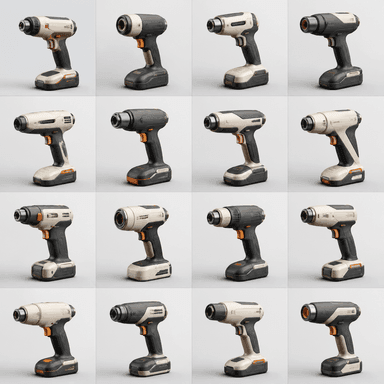
16 Design variations
Sixteen unique design variations for the main or marked object while keeping the surrounding environment and camera angle perfectly identical
Follow every what-if.
Branch into sixteen footwear directions. Select a result and keep exploring.
Change just what you want.
Mask an area, remove an object, or replace a detail. Keep the rest of your image in view.
Tell the assistant where
you want to take it.
Ask the Canvas assistant to help build and edit your workflow. Bring your references. Keep your creative decisions.
Start creatingDesigned for
your world.
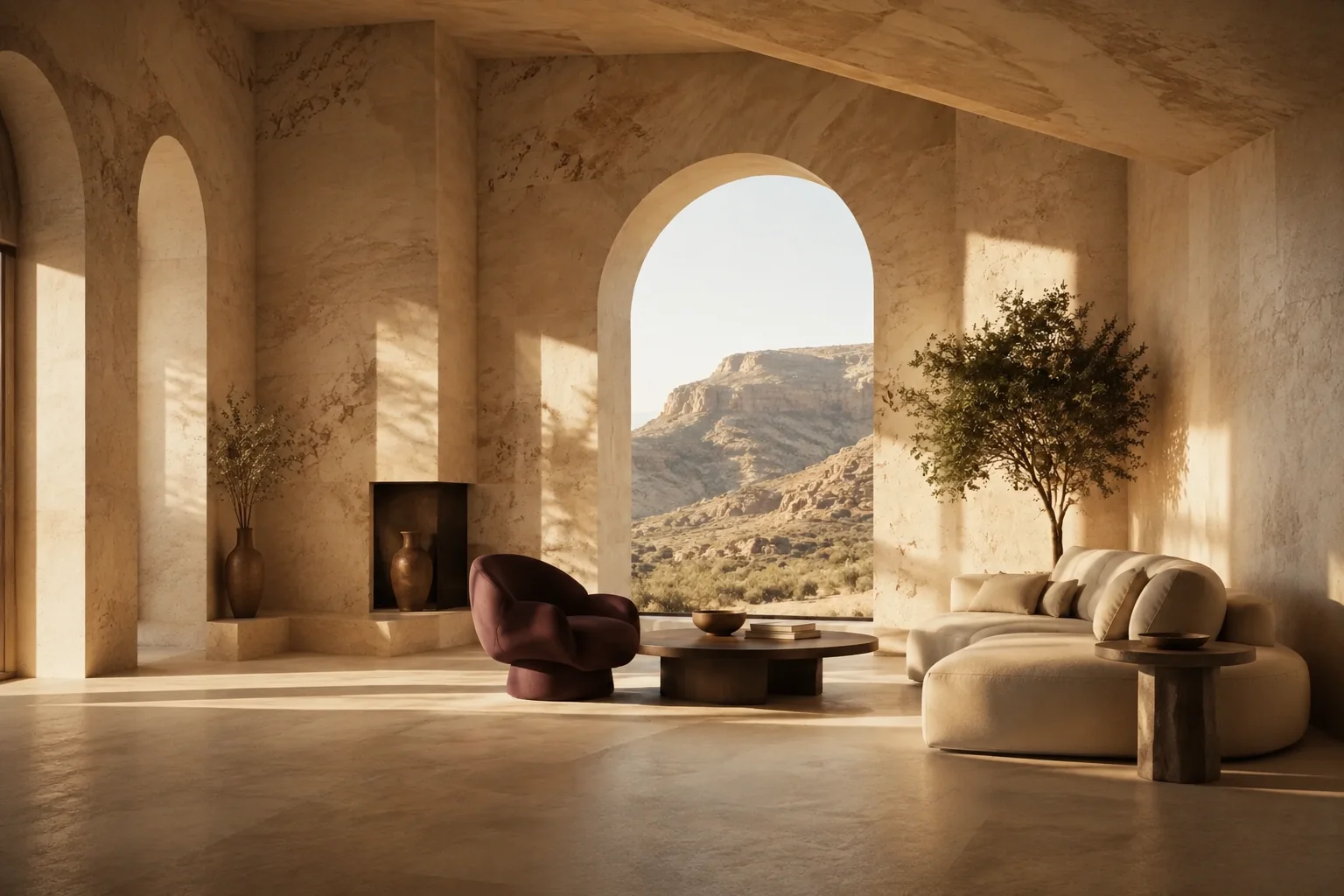
From the things we use to the spaces we inhabit. Bring your ideas into focus, then take the next step with 3DBAE.
Frequently
asked questions
A few answers before your next idea.
We’re here if you need a hand.
What is 3DBAE Canvas?
Canvas is a visual workspace for creative AI workflows. Put references, prompts and tools on a board, connect their inputs and outputs, and develop product images, design studies, videos or 3D concepts in one place.
Do I need to know how to build a node graph?
No. You can start with a preset, bring in a reference image and adjust the instructions. Connect more tools as your workflow grows, or use the Canvas assistant to help build and edit it. Assistant access depends on your plan.
What do the presets do?
Presets provide a starting workflow for tasks such as material variations, lighting studies, product shots and image-to-3D. They are editable starting points. Generated results depend on your inputs, instructions and selected model.
Are AI generations included in every plan?
Canvas access and AI execution are different. Models and the assistant have plan requirements, and generation consumes AI credits. Check the plan comparison and AI credit prices for the tools you want to run.
Is an AI image the same as an editable 3D model?
No. Image tools create images, including images that look three-dimensional. Use an image-to-3D tool when you need geometry, then review the result in the 3D editor. AI geometry may need refinement before final use.
AI generation uses credits. Models, presets and assistant access vary by plan. View AI credit prices
Built forideas.
Bring your references. Follow your curiosity.
Make your next idea happen with 3DBAE Canvas.