
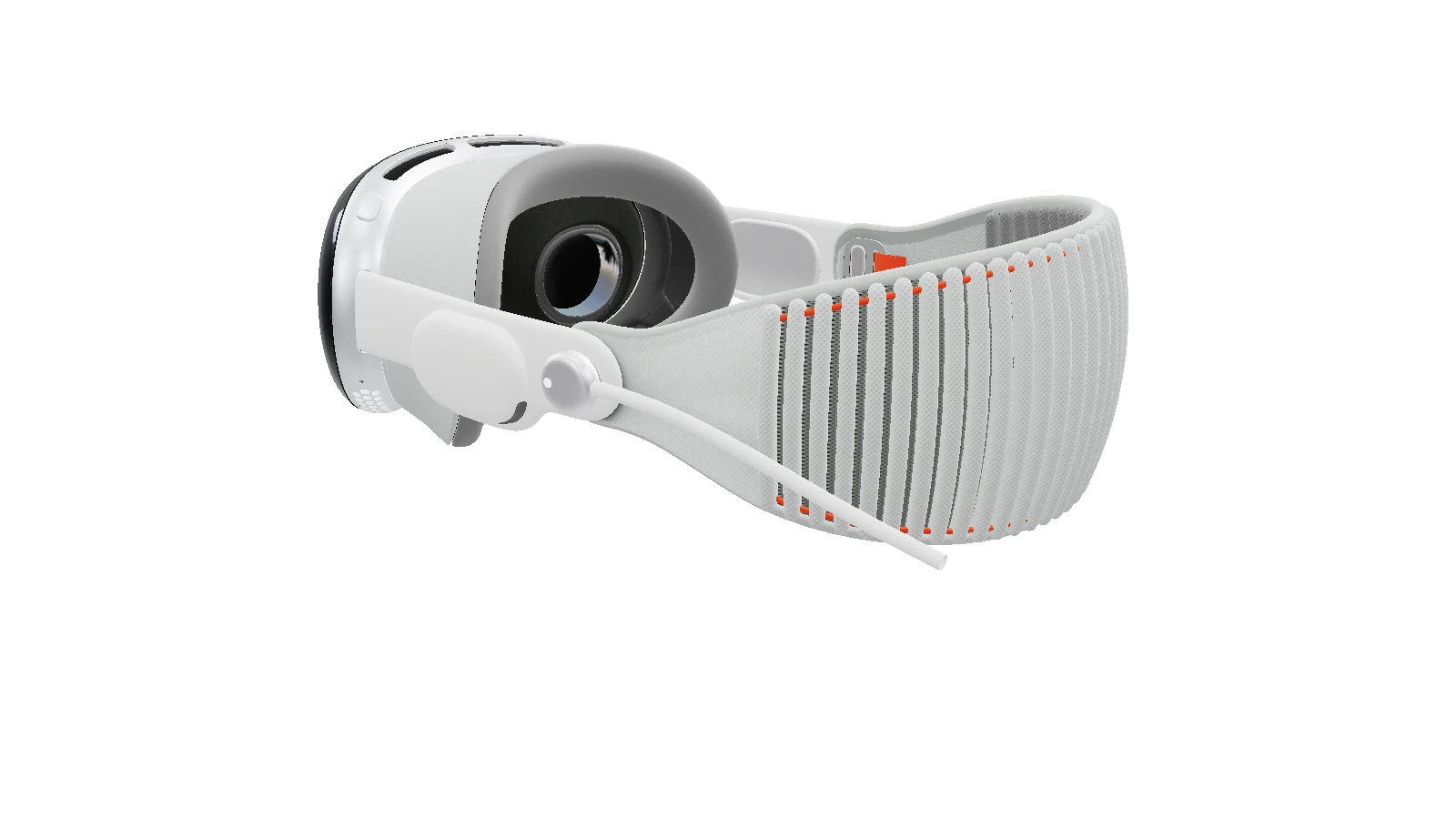


AI Rendering
Frame your scene. Explore a new finish.
Because static product pages leave customers guessing.
Works with 3ds Max · Arnold · V-Ray · Corona · Gaussian Splats · FBX · OBJ · GLB · glTF and more
Bring your models, materials and Gaussian Splats into 3DBAE. Create interactive product experiences and publish them to the web, all in one browser workspace.
Live Link for 3ds Max 2024–2027 · Arnold, V-Ray & Corona material conversion via 3ds Max
Explore new looks with AI Rendering, build visual workflows in Canvas, and bring products to life with the 3D Configurator. See each workflow in action.
Explore 3DBAEFrame your scene. Explore a new finish.
Connect images, prompts and AI into a visual workflow.
Turn your model into an interactive product experience.
What is 3DBAE
3DBAE brings import, visual finishing, interaction, and publication into one no-code browser workspace, without modifying your source files.

Import & optimize
12 import formats, 8 export formats, including GLB, glTF, FBX, OBJ, USDZ, STL, PLY, SPLAT, SPZ, SOG and more. 3DBAE builds a smaller, faster copy for the web without touching your source. No model yet? Start from a photo.

Light & finish
PBR materials, 106 HDRI environments in up to 4K, path-traced ground shadows, real-time reflections, bloom, and color balance. Add 3D text in 1,942 Google Fonts and shape geometry with 21 modifiers.

Build interaction
Variants with up to 250 options per set, hotspots with media or Figma frames, Screen UI, typed variables, formulas, and CSV datasets. 20 actions and 15 condition types cover the logic, without a line of code.

Publish & embed
Publish a snapshot that never changes, embed it with one iframe on any site, and let shoppers open it in AR on iPhone or Android at real-world size. Your page and the scene talk through viewer events and a 71-method JavaScript Model API, with AR handoff in 12 languages and team comments on Creator AI and up.
Who it's for
Different jobs, same starting point: a browser, a model, and a free plan.

Designed for
Replace the photo carousel with a product shoppers can spin, recolor, and place in their room before they buy.

Designed for
Show every finish, component, and configuration with an interactive product story instead of another spec sheet.
Designed for
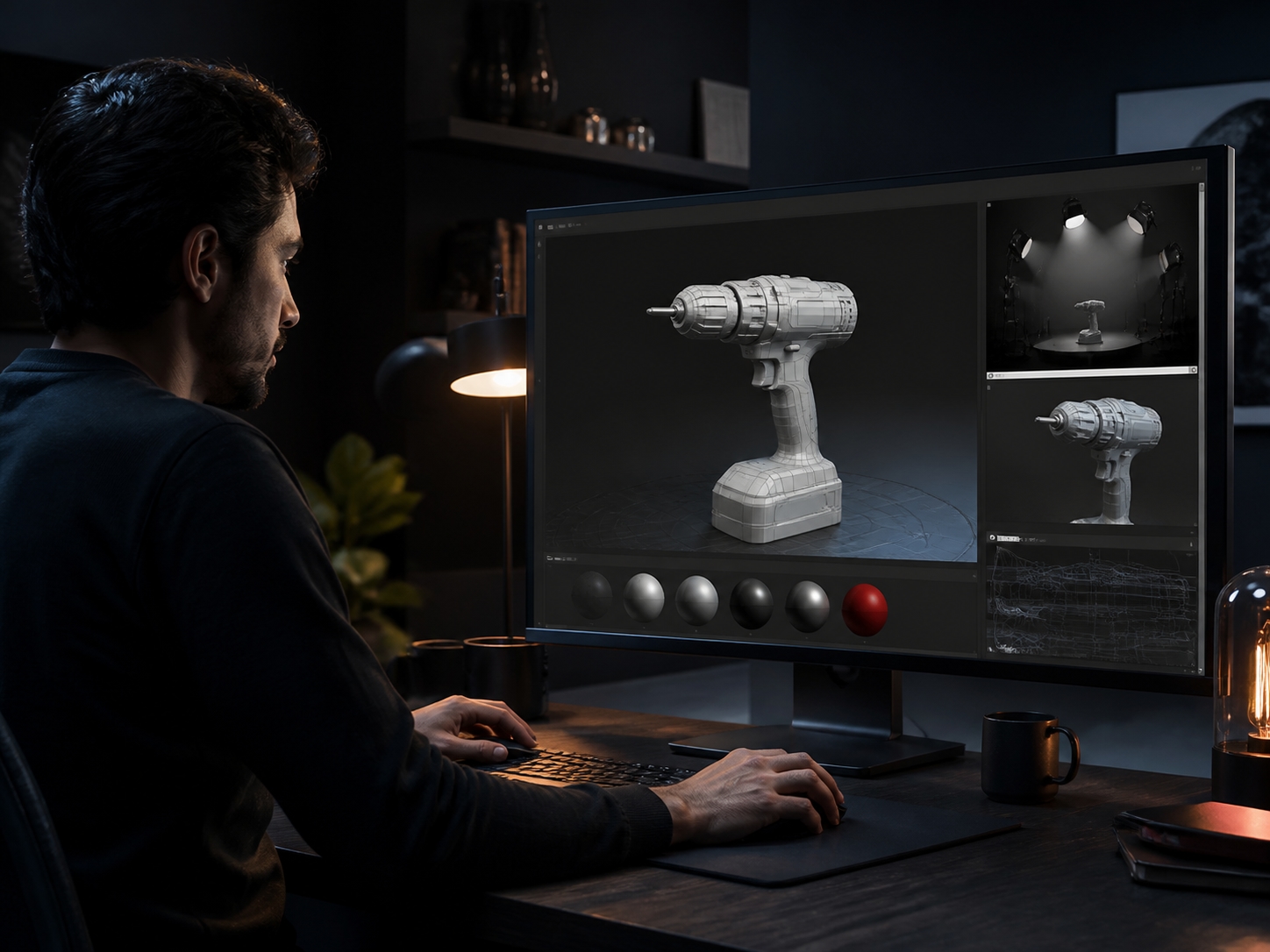
Keep modeling in your DCC, light with 106 HDRIs, and send a live review link instead of another render.
Turn product photos into launch-ready campaign imagery and reusable Canvas workflows.
Connect the embedded viewer to your storefront, app, or agent through one documented surface.
Testimonials
“This platform has revolutionized how I design and present my 3D products. The seamless configurator saves me hours of work and my clients love the interactive experience.”

Build and publish an interactive 3D product experience today.